
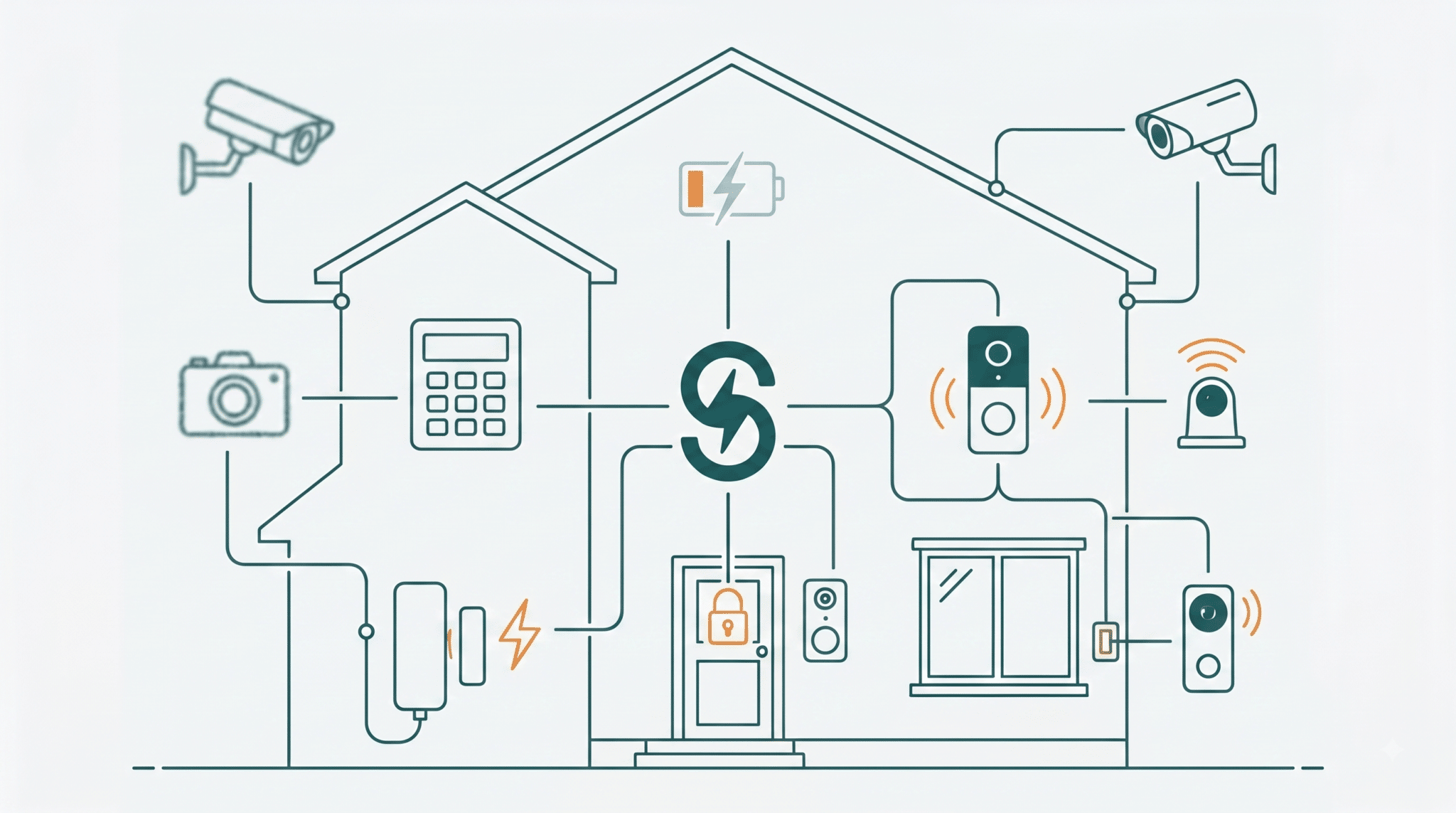
Home security technology moves fast, and a system that was good ten years ago is probably not doing what you think it’s doing today. Here are six signs yours has fallen behind.
Here’s the quick version:
- Age matters less than support. Once the manufacturer stops issuing updates, the system stops improving and starts falling behind.
- An alarm on its own only makes noise. What you’re usually missing is the ability to see who’s at the door.
- Camera resolution is what decides whether footage is useful to police or just reassuring to you.
- Connecting everything is the right move, and it means your network becomes part of your security.
Is Your Home Security Outdated?
Security tech isn’t what it was ten years ago, or even one or two years ago. It changes fast enough that a system bought before the pandemic can be missing capabilities that are now standard, without anything about it appearing broken.
Getting a home security system installed in Mesa is straightforward. What homeowners forget is that the system needs attention afterward. Below are six signs it’s time, starting with the one that matters most.
Arizona adds its own pressure to all of this. Equipment bakes through a Valley summer, monsoon storms knock power out often enough that battery backup stops being optional, and a large share of houses here sit empty for months while their owners are somewhere cooler. We’ve been installing and servicing security around the Valley since 1994, and all three of those shape how a system here should be specified.
1. Your Home Automation System Is More Than 10 Years Old
Age on its own isn’t the problem. Loss of support is. Once a manufacturer stops pushing software updates, security holes stop getting patched and the app stops keeping up with your phone’s operating system. The hardware carries on working while the useful part quietly rots.
The awkward part is that almost nobody tells you when that will happen. The FTC surveyed 184 smart products, from security cameras to door locks, and found that nearly 89 percent of manufacturers failed to publish how long they would provide updates. So “ten years old” is a rough proxy for the real question, which is whether anyone is still maintaining it.
How Long Should A Home Security System Last?
The hardware often runs fifteen years. The software support behind it frequently ends much sooner, and that’s the date that matters. Ask the manufacturer directly how long a product will receive updates, and treat a vague answer as an answer. When you’re buying, that single question separates equipment worth installing from equipment that will be abandoned while it’s still screwed to your wall.
2. You Use Wired Technology For Home Automation
The usual advice here is wrong. Wire itself isn’t the weakness. A properly installed wired panel with tamper detection and a battery backup is reliable, and it doesn’t care about Wi-Fi outages or dead sensor batteries.
The real issue is that if your system is wired and nothing else, it’s probably old enough that wire was the only option. No app, no remote access, no notifications, no updates. That’s the thing to fix, and modern installations usually run a mix: wired where reliability matters most, wireless where running cable would mean opening walls.
My opinion, and it’s an opinion: don’t rip out working wire to go wireless. Add to it. Automated security systems covers what that layered approach looks like.
Is Wireless Actually Safer Than Wired?
Neither is safer outright. They fail differently. Wired sensors can be cut, though a modern panel detects that and triggers rather than going quiet. Wireless sensors can’t be cut, but they rely on batteries and can be jammed by radio interference. Most good installs combine both, which is why “wired or wireless” is usually the wrong question. It is normally both, in the right places.
3. You Use An Alarm And Nothing Else
An alarm belongs in every system, but on its own it does one thing: makes noise once someone is already inside. It doesn’t tell you who, it doesn’t record anything, and it does nothing at all about the person you open the door to voluntarily.
A video doorbell covers that gap, because you see who’s on the step before you decide. If children or older parents are in the house, the safety benefits of video door phones is worth reading, and home security tips for families covers the habits that go with the hardware.
4. Your System Is Not Connected
You may already have automated lighting, a video doorbell, and climate control, all working independently. Connected to one system, they stop being separate gadgets: one app shows you the camera and the thermostat, and a door event can turn on a light rather than just logging itself somewhere.
This matters more in Arizona than most places, because so many homes here are empty for a stretch. If you head north or back east for the summer, an unconnected system cannot tell you anything until you walk back through the door in October. A connected one tells you the power dropped in a July storm, or the garage door has been open since Tuesday, while you are still somewhere with a signal. Ask us what that looks like for a house that sits vacant, because it is a different design from one that is occupied year round.
The part most articles skip is that connecting everything makes your home network part of your security system. CISA’s home network security guidance puts Wi-Fi cameras in the same category as computers and phones, and recommends changing default router credentials and running a firewall at the network boundary. A camera on a router still using its factory password isn’t really protected, whatever the camera itself cost.
Does Connecting Everything Make My Home Less Secure?
It shifts where the risk sits rather than adding to it. An unconnected system can’t be reached remotely, but it also can’t tell you anything while you’re out. A connected one gives you visibility and gives an attacker a surface, which is why the network setup matters as much as the devices. Change default passwords, keep firmware current, and put cameras on their own network segment if you can.
We hired Don and his team to install new TVs, Sonos, Ring Cameras and security system at our new house in Mesa. They executed absolutely perfectly. It is very evident the pride and care they take with their work. It was a pleasure to work with the Stabley team.
Todd Williams ★★★★★
5. You Don’t Have High-Resolution Cameras
Low-resolution footage feels like coverage without being coverage. A blurry figure at the side gate might deter someone, but it won’t identify anybody, and identification is the whole point once something has actually happened.
Resolution is only half of it. Check the low-light performance too, because most of what you want cameras for happens after dark, and a 4K camera with poor night handling is worse than a lesser one built for it. The FTC also recommends practical steps that have nothing to do with image quality: make sure the feed is encrypted and lock down which accounts can view it remotely. If you’re deciding what to install, why you need a smart security camera system goes deeper.
What Camera Resolution Do I Actually Need?
Enough to identify a face at the distance you’re covering, which depends on the lens as much as the sensor. A camera watching a doorway needs far less than one watching a driveway, because detail falls away with distance. Rather than shopping by megapixels, tell us what you need to be able to identify and how far away it is, and we will let the coverage plan pick the camera. Arizona sun adds one more wrinkle: a camera pointed across a bright driveway at midday can be as useless as one in the dark, so which way a camera faces matters as much as what it cost.
6. You Still Use A Key To Lock And Unlock Your Door
Keys get lost, lent, copied, and left under mats, and a keyed lock can be picked or bumped by anyone who has watched a video about it. A smart lock replaces the physical key with a code or your phone, and it logs who came and went, which the key never did.
It also solves the everyday problem rather than just the burglary one: letting in a cleaner, a dog walker, or a family member without cutting another key you’ll never get back.
Are Smart Locks Safe?
A good one is safer than a keyed deadbolt, with two conditions. It needs a manufacturer still issuing firmware updates, which is the same support question from sign one. And it needs a sensible code policy, meaning unique codes per person and removal when someone no longer needs access. A smart lock with the installer’s demo code still active is worse than a key.
Get Custom Home Security Without The Hassle
The team at Stabley Home Entertainment can work out which of these six apply to your house and which you can safely ignore. We install and service security across the Valley, including Gilbert and Phoenix, and we’ve been family-owned and operated here since 1994.
If you’d rather see finished work first, it’s in the project galleries. If security is one piece of a bigger plan, our home automation side ties it together, and why a security system matters in Arizona covers the local case. Traveling soon? Protecting your home while you’re away is the practical checklist.
Contact us or call (480) 325-5015. Tell us roughly how old your system is and who made it, and we can usually tell you on the phone whether it’s still supported.

Stabley Home Theater
1350 S Greenfield Rd #1127
Mesa, AZ 85206
Office: (480) 325-5015
Email: [email protected]
Website: https://stabley.net
Related Posts


